

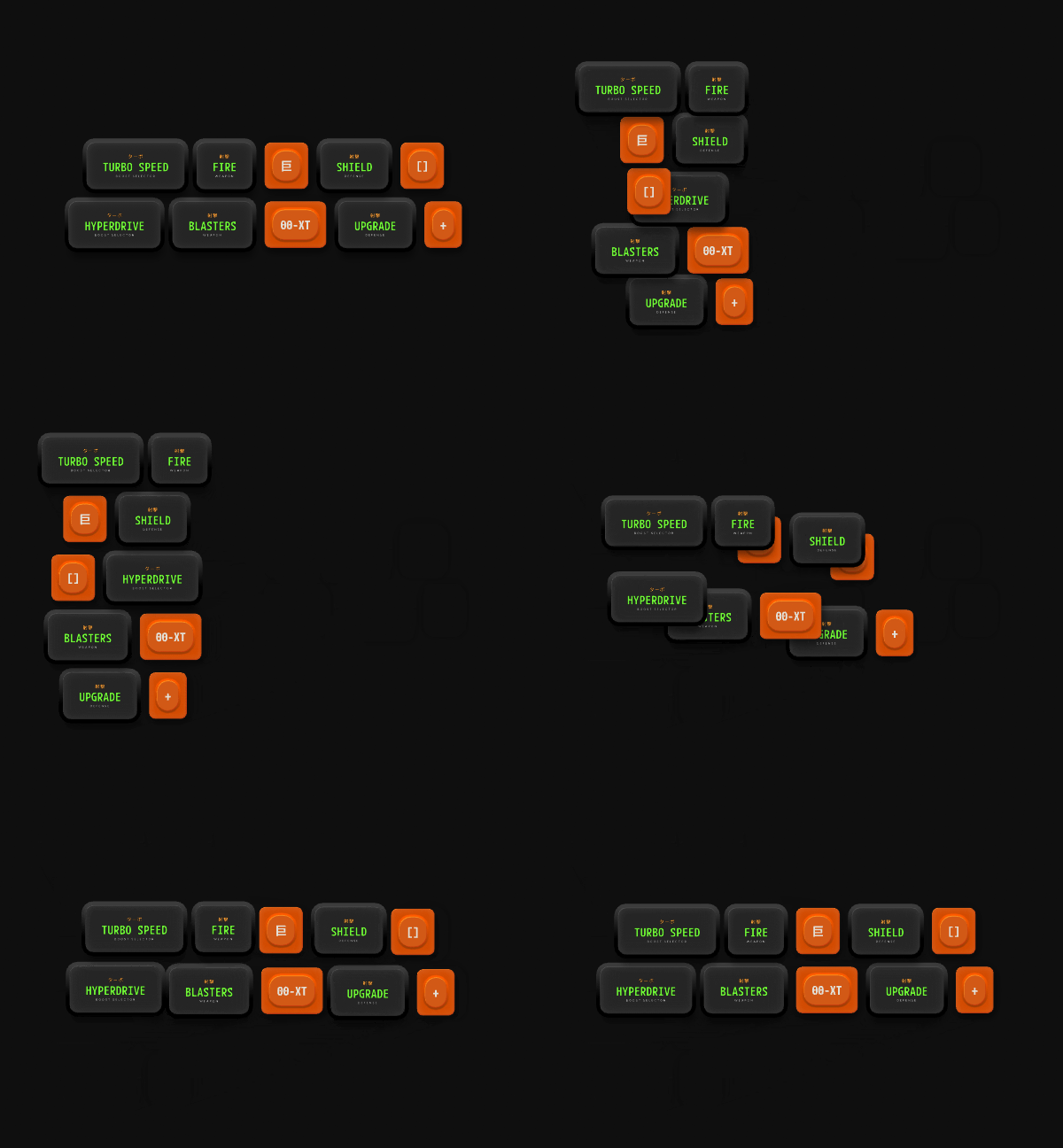
Adding Layout Animation
1
Add a Layout Animation
Select a Layout and click the + button in the Enable Layout Animation section of the Inspector.
2
Select a Mode
- None: Disable Layout animation.
- Inherit: Use the Layout animation settings from the parent Layout.
- Custom: Define Layout animation settings for the selected Layout.
3
Customize the Animation
If you select Custom, set the duration and easing for the animation.